Back up your phone
Create local backups of supported messages, call history, photos, videos, music, files, contacts, and calendars.
 DroidPortAndroid backup and transfer
Android backup and transfer for Windows
DroidPort puts supported messages, photos, videos, music, files, contacts, calendars, and call history in one clear Windows workspace.
DroidPort for Windows is $14.99 with a free trial. DroidPort Companion for Android is free.
What it does
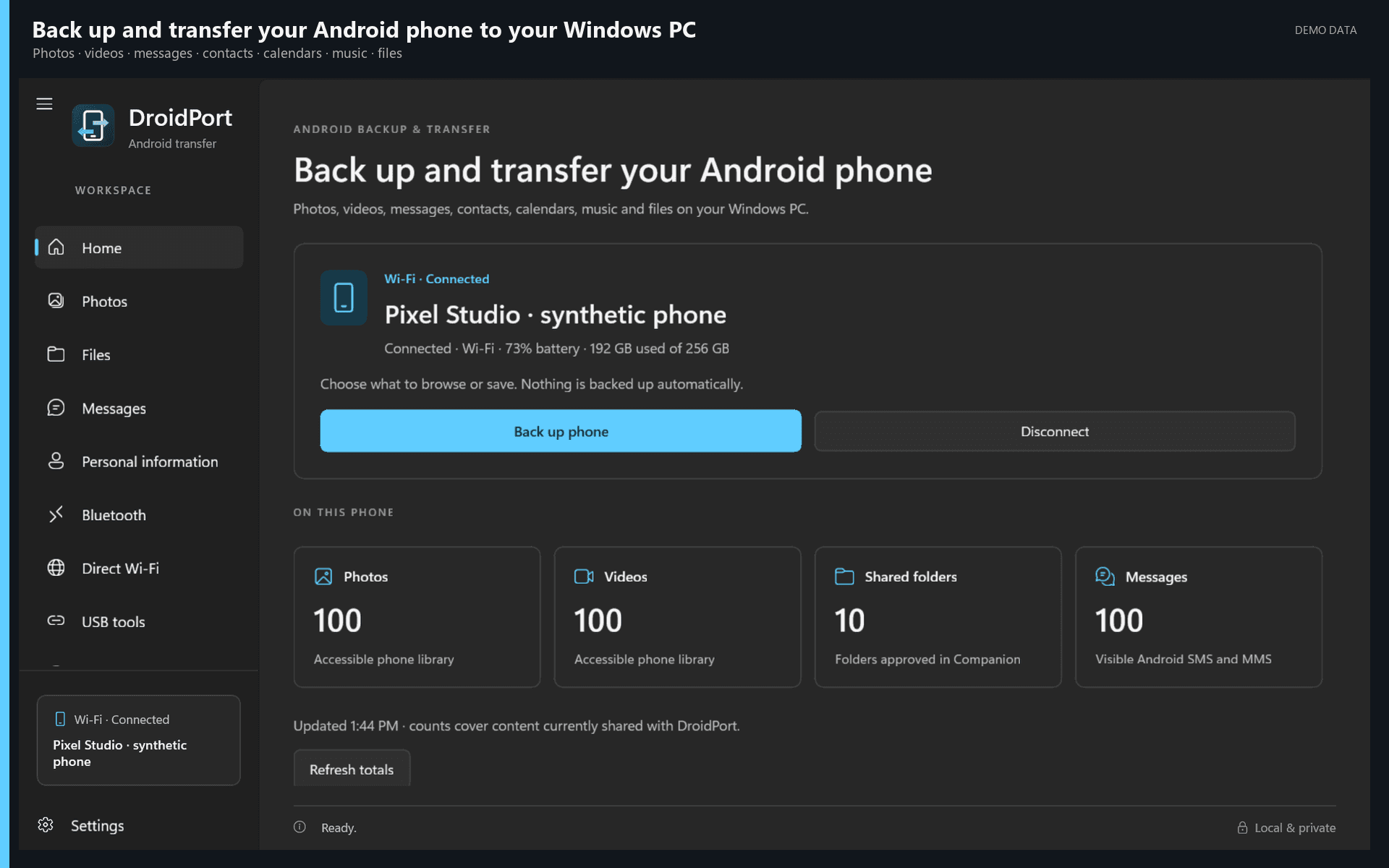
Create local backups of supported messages, call history, photos, videos, music, files, contacts, and calendars.
Copy files between Android and Windows. Browse folders, create folders, rename, move, and delete selected files.
Browse backups offline and review supported message, file, contact, calendar, and call-history restores before anything is written.
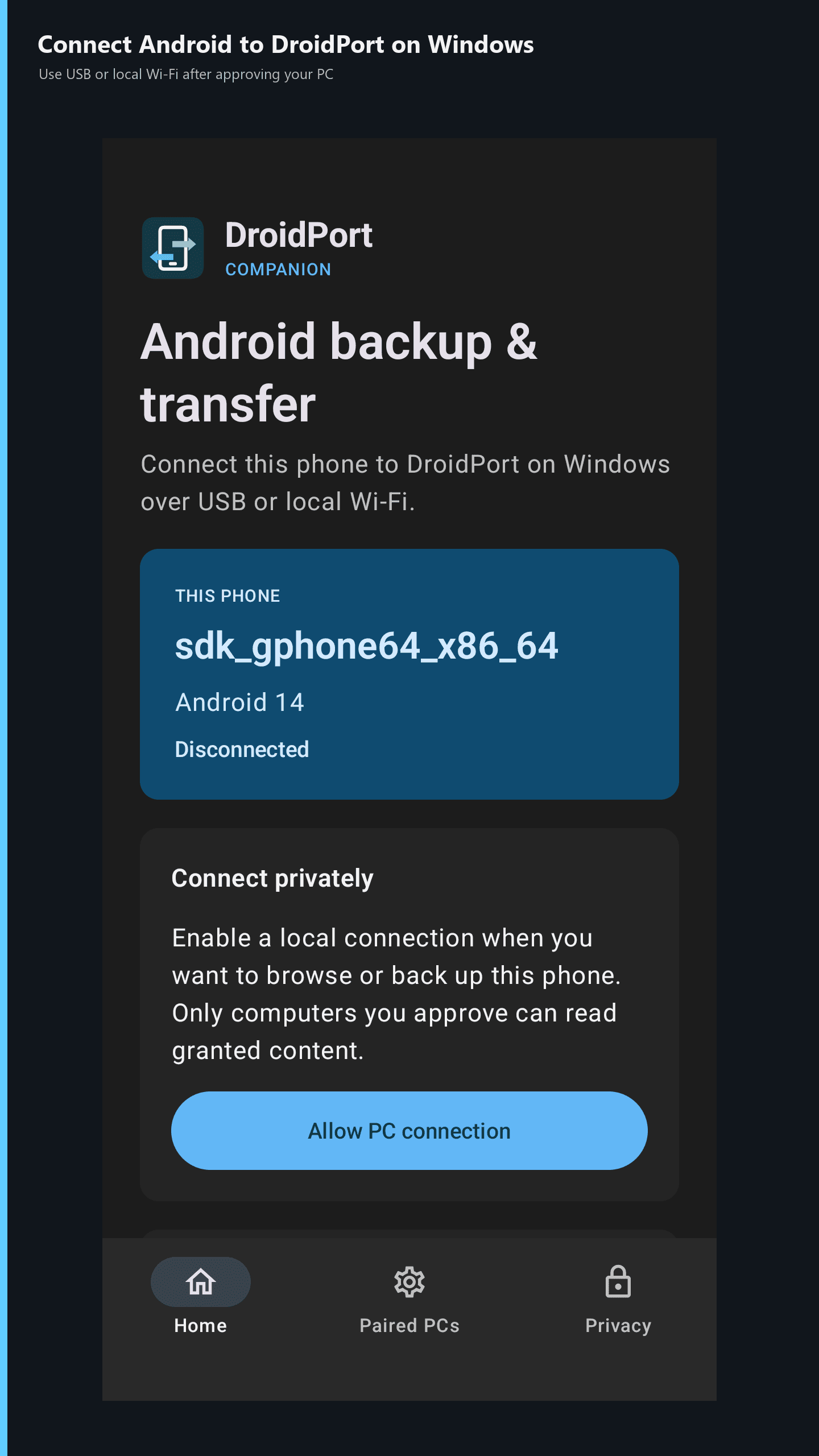
Use USB for file access or pair DroidPort Companion over your local network. Bluetooth and Wi-Fi Direct availability depends on your devices.
Your phone connects directly to your approved PC. DroidPort does not require an account, cloud relay, advertising, or analytics.
Find large files and duplicates, organize music, export supported records, and use optional cleanup schedules you control.
Free Android companion
DroidPort Companion handles secure local access to the Android content you choose. Android may show system permission, folder, nearby-device, or temporary default-SMS prompts only when a related feature needs them.
RCS and protected app data are limited by Android, your carrier, and the messaging app. DroidPort cannot promise complete RCS coverage or restore another app's encrypted private data.
Local and private