Motion blur
- Subtle
- Balanced
- Strong
- Cinematic
 TreeByte Software
Windows desktop app
3D cursor effects, motion blur, Slime Drip, and fancy pointer trails for Windows workspaces.
Available on Windows Store and Steam

Trailer
Screenshots
Captures from the Cursor Flux trailer assets show motion blur, text effects, app overlays, and editor support in context.
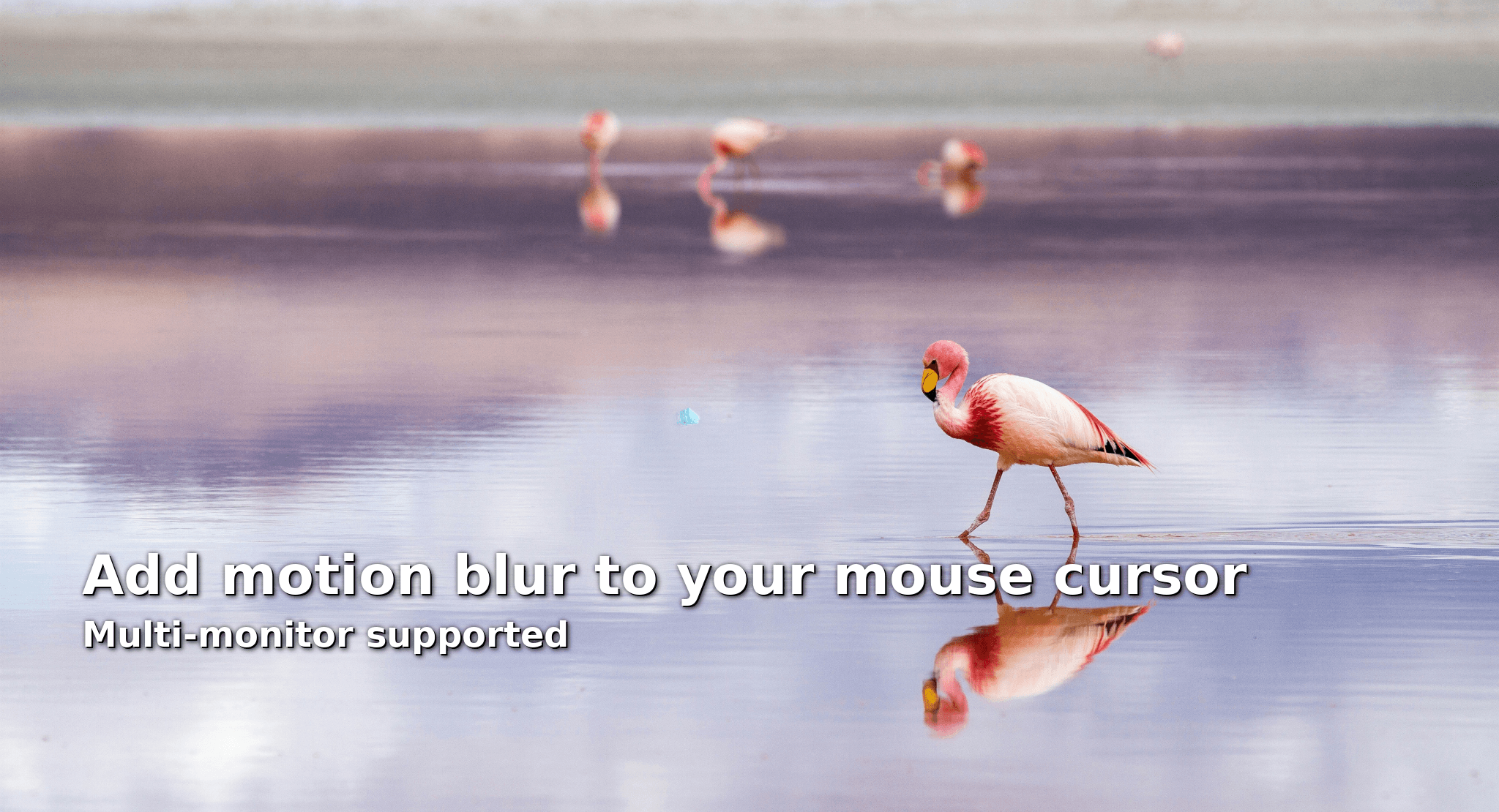
Effects
Cursor Flux includes the MouseBlur effect presets for readable pointer motion, stylized trails, and more expressive desktop feedback.
Visuals
These visuals come from the Cursor Flux app assets and store artwork, while the live app adds motion blur, afterimages, particle trails, and advanced effects around the pointer.

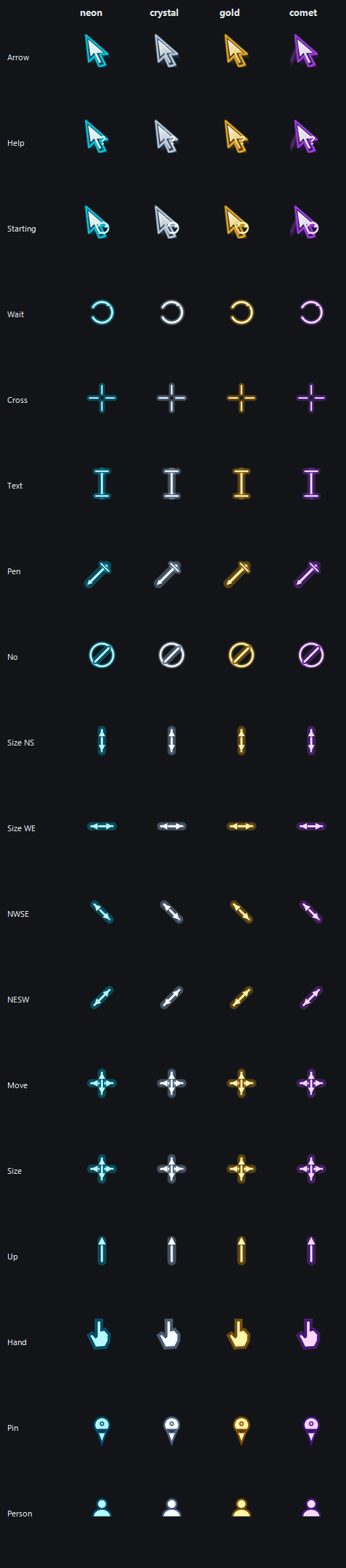
 Comet
Comet Neon
Neon Crystal
 Gold
GoldChoose Subtle, Balanced, Strong, or Cinematic blur so the pointer stays readable during fast movement, screen recording, presentations, or large-monitor desktop work.
Layer in Slime Drip, Electric Zap, Typing Fire, Mood Reactor, Soft Afterimage, Neon Speed Smear, Prism Split, Magic Sprite Trail, Liquid Ribbon, Pixel Trail, and Electric Arc effects.
Cursor Flux is available through Windows Store and Steam from this page.
Questions