Find your next app.
Explore the catalog and choose supported Linux apps for your WSL distribution from a visual interface.
 TreeByte Software
A visual hub for WSL
Your Linux GUI apps, together on Windows.
Browse supported Linux apps, follow installation progress, and launch them from one Windows-native hub for your WSL environment.
Available on Microsoft Store · $3.99 US
Requires Windows 11, WSL 2 with WSLg, and a Linux distribution. Prices vary by region.
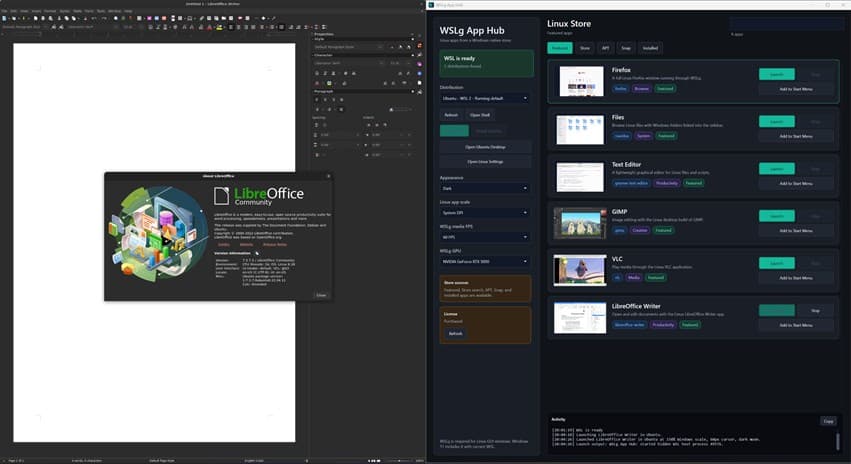
See the workflow
A one-minute look at WSLg App Hub running on Windows.
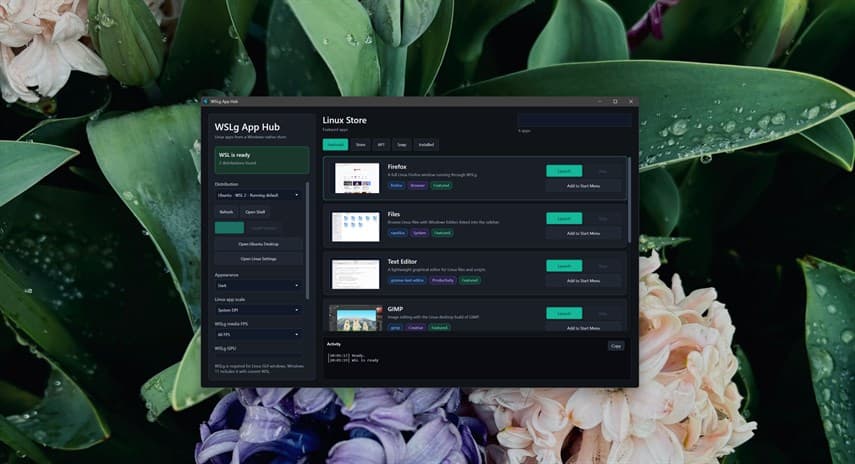
Explore the catalog and choose supported Linux apps for your WSL distribution from a visual interface.
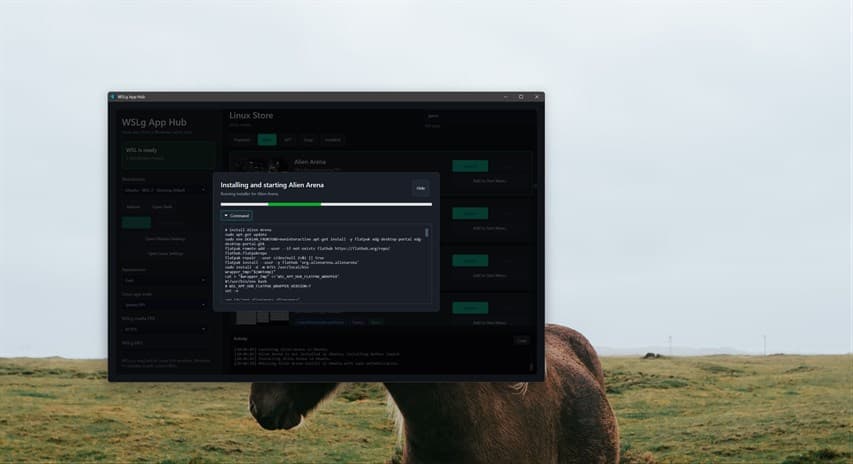
Install supported apps from the hub and see their progress. Your Linux password may be required to authorize an installation.
Launch through WSLg and add favorite apps to the Windows Start menu. Keep your app and distribution tasks together.
Before you start
Microsoft's WSLg provides Linux GUI support on Windows. WSLg App Hub adds a visual catalog and a central interface for browsing, installing, and launching supported apps. Try it for seven days to see whether that convenience fits your workflow.
The currently published app requires Windows 11, WSL 2 with WSLg, and a Linux distribution. The hub helps with WSL setup tasks; Windows setup can require administrator access, a terminal, and a restart. App installation can require your Linux password.
App availability depends on your distribution and configured package sources. Some Linux apps have additional requirements. Start with a supported app in the catalog and use the trial to check your own environment.
Open the Microsoft Store listing and choose the free trial. If setup or launching gets confusing, contact contact@treebytesoftware.com with the step you reached and your Windows and Linux distribution versions.
Make room for your Linux apps